 Brendan LE GLAUNEC
5849898283
Brendan LE GLAUNEC
5849898283
Unit tests functional and coverage back to 100%

Add more routes to dictionary, add more credentials, add default port 5554, rename cameradar logs ENV variable, improve unit test readability, remove tmp file
75 lines
3.0 KiB
Markdown
75 lines
3.0 KiB
Markdown
[](https://magefile.org)
|
|
[](https://travis-ci.org/magefile/mage) [](https://ci.appveyor.com/project/natefinch/mage/branch/master)
|
|
|
|
<p align="center"><img src="https://user-images.githubusercontent.com/3185864/32058716-5ee9b512-ba38-11e7-978a-287eb2a62743.png"/></p>
|
|
|
|
## About
|
|
|
|
Mage is a make-like build tool using Go. You write plain-old go functions,
|
|
and Mage automatically uses them as Makefile-like runnable targets.
|
|
|
|
## Installation
|
|
|
|
Mage has no dependencies outside the Go standard library, and builds with Go 1.7
|
|
and above (possibly even lower versions, but they're not regularly tested).
|
|
|
|
**Using GOPATH**
|
|
|
|
```
|
|
go get -u -d github.com/magefile/mage
|
|
cd $GOPATH/src/github.com/magefile/mage
|
|
go run bootstrap.go
|
|
```
|
|
|
|
**Using Go Modules**
|
|
|
|
```
|
|
git clone https://github.com:magefile/mage
|
|
cd mage
|
|
go run bootstrap.go
|
|
```
|
|
|
|
This will download the code and then run the bootstrap script to build mage with
|
|
version infomation embedded in it. A normal `go get` (without -d) or `go
|
|
install` will build the binary correctly, but no version info will be embedded.
|
|
If you've done this, no worries, just go to `$GOPATH/src/github.com/magefile/mage`
|
|
and run `mage install` or `go run bootstrap.go` and a new binary will be created
|
|
with the correct version information.
|
|
|
|
The mage binary will be created in your $GOPATH/bin directory.
|
|
|
|
You may also install a binary release from our
|
|
[releases](https://github.com/magefile/mage/releases) page.
|
|
|
|
## Demo
|
|
|
|
[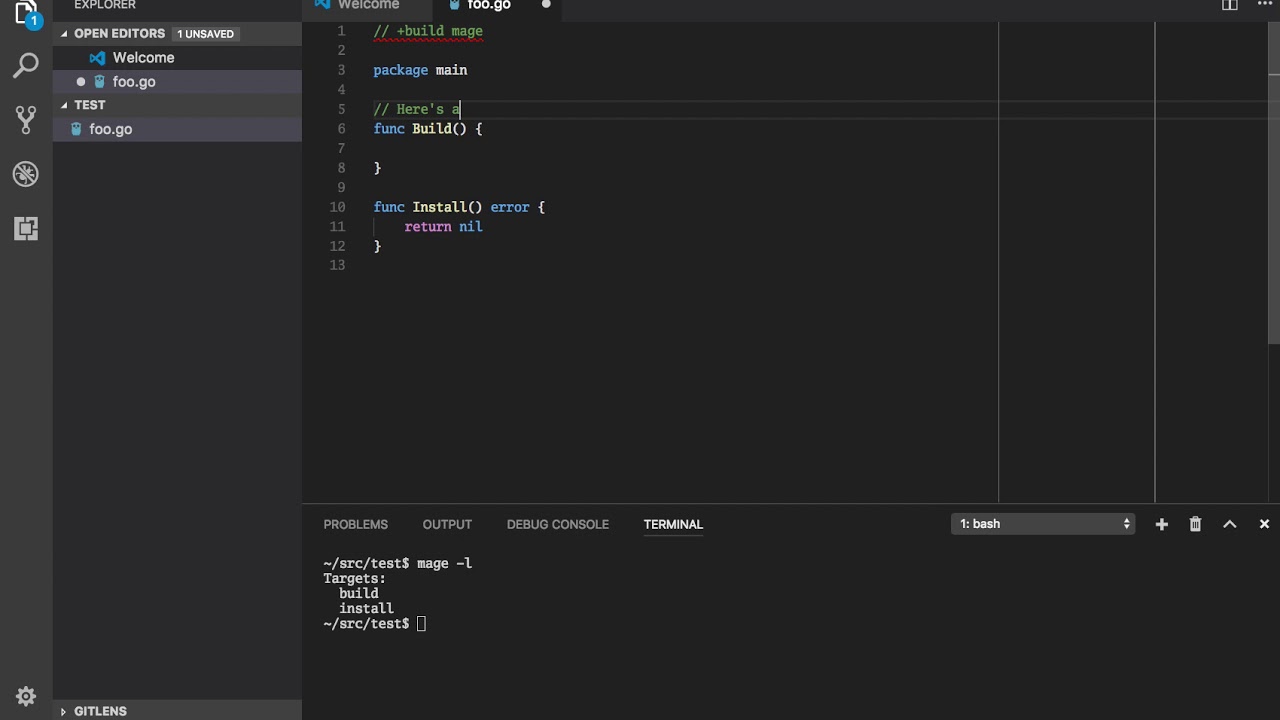](https://www.youtube.com/watch?v=GOqbD0lF-iA)
|
|
|
|
## Discussion
|
|
|
|
Join the `#mage` channel on [gophers slack](https://gophers.slack.com/messages/general/)
|
|
or post on the [magefile google group](https://groups.google.com/forum/#!forum/magefile)
|
|
for discussion of usage, development, etc.
|
|
|
|
# Documentation
|
|
|
|
see [magefile.org](https://magefile.org) for full docs
|
|
|
|
see [godoc.org/github.com/magefile/mage/mage](https://godoc.org/github.com/magefile/mage/mage) for how to use mage as a library.
|
|
|
|
# Why?
|
|
|
|
Makefiles are hard to read and hard to write. Mostly because makefiles are
|
|
essentially fancy bash scripts with significant white space and additional
|
|
make-related syntax.
|
|
|
|
Mage lets you have multiple magefiles, name your magefiles whatever you want,
|
|
and they're easy to customize for multiple operating systems. Mage has no
|
|
dependencies (aside from go) and runs just fine on all major operating systems,
|
|
whereas make generally uses bash which is not well supported on Windows. Go is
|
|
superior to bash for any non-trivial task involving branching, looping, anything
|
|
that's not just straight line execution of commands. And if your project is
|
|
written in Go, why introduce another language as idiosyncratic as bash? Why not
|
|
use the language your contributors are already comfortable with?
|
|
|